Email Verification Pricing in 2026: What You’ll Actually Pay
October 9, 2026
Quick answer
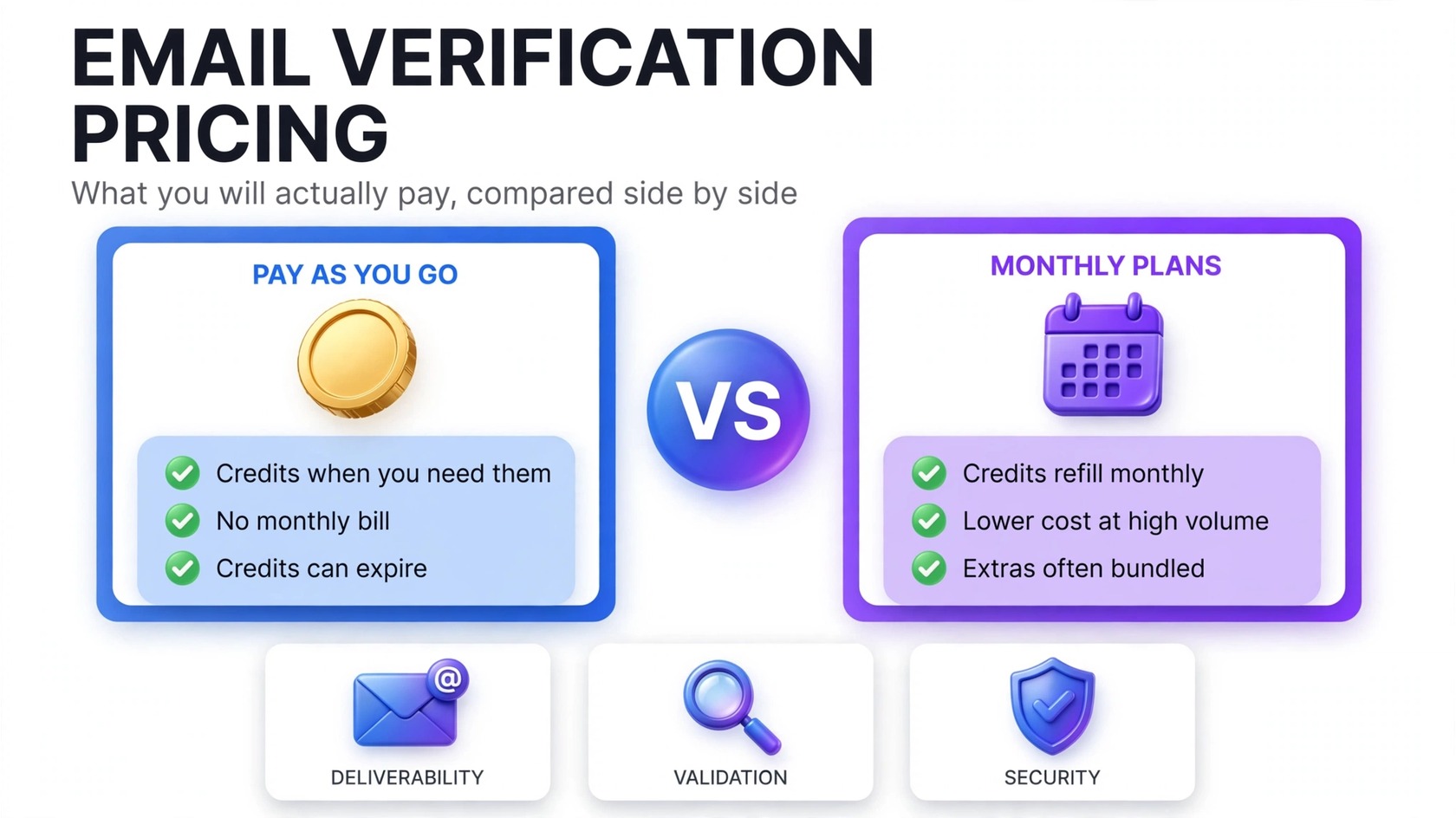
Email verification pricing in 2026 comes in two main flavors: pay-as-you-go credits you buy once and spend whenever you verify, and monthly subscriptions that refill a set number of credits every billing cycle. Most vendors price by the credit — one credit for one email checked — and the cheapest-looking headline price is rarely the cheapest option once credit expiry, API add-ons, and re-verification costs are factored in.
This guide breaks down how email verification pricing works, the fine print that quietly inflates your bill, and a step-by-step method for comparing vendors fairly at your volume.
Pay-as-you-go vs monthly: the two pricing models explained
Nearly every email verification vendor structures its pricing around one of two models — and understanding the trade-off is the single biggest factor in what you’ll actually pay.
Pay-as-you-go (credit packs)
You buy a pack of credits up front, and each verified email deducts one credit. Buy again only when you run out — there’s no recurring bill, which suits seasonal senders, agencies with sporadic client lists, and unpredictable volumes. The trade-off: per-credit cost is usually higher than on a subscription, and some vendors expire unused credits, so credits you never spend can quietly evaporate.
Monthly subscriptions
You pay a fixed fee each month and receive a fresh batch of credits that resets at each billing date. Per-credit cost is generally lower — vendors reward predictable revenue — and subscriptions often bundle extras like API access. The catch is the use-it-or-lose-it structure: a 30,000-address list on a 100,000-credit plan means paying for 70,000 credits you’ll never touch. At very high volumes (millions of verifications per month), vendors switch to negotiated pricing — always ask for a quote.
What vendors actually charge you for
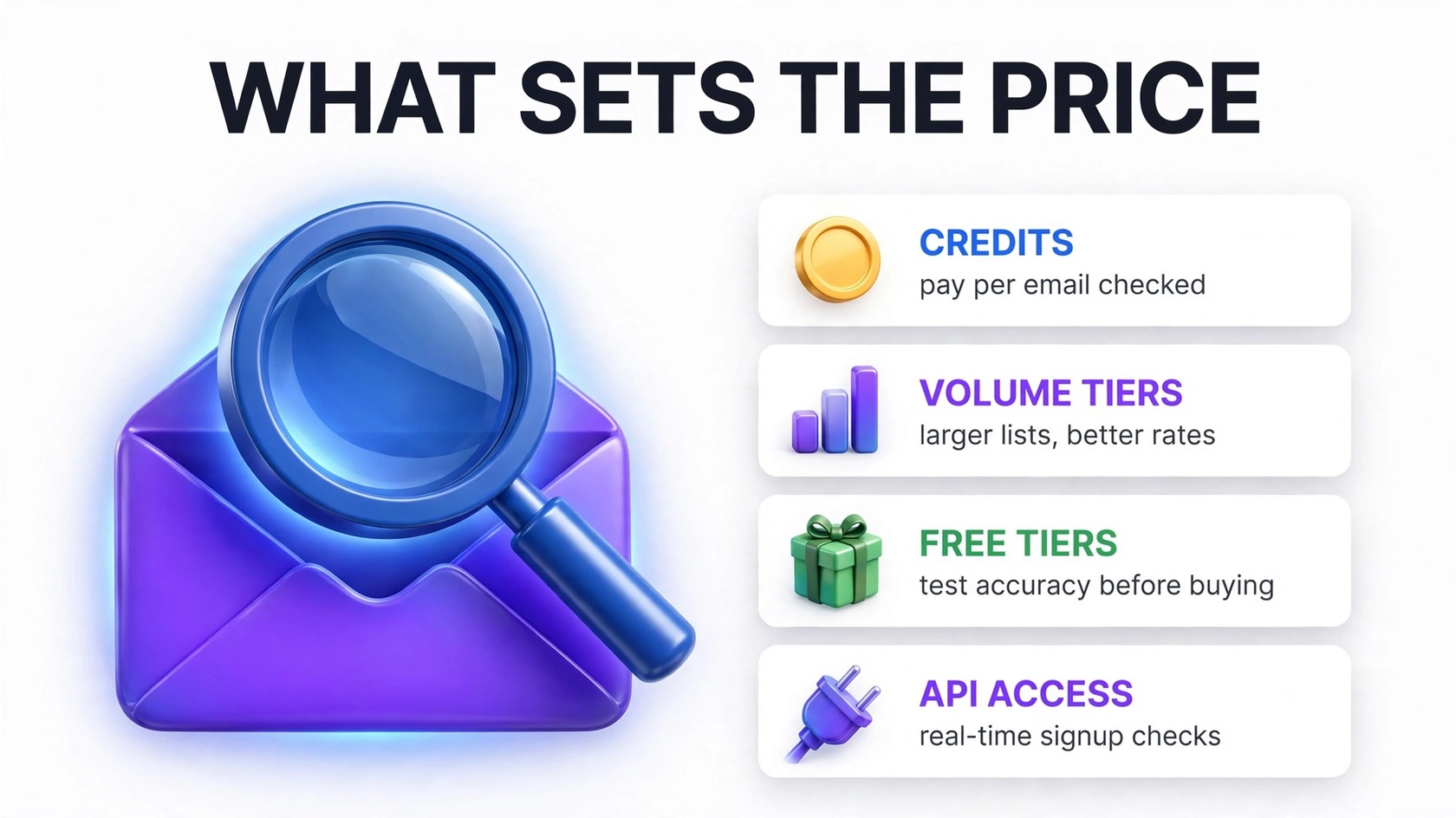
“One credit = one email” sounds simple, but vendors define a credit differently, and those definitions decide your real bill:
- The verification itself: the standard model — one credit deducted per address checked, regardless of the result. Most vendors work this way.
- Result-based billing: some vendors only charge for certain result types, or extra for “risky” statuses like catch-alls that need deeper checks. Read the fine print on how each result status is billed.
- API usage: bulk uploads are almost always included, but real-time verification at signup forms is sometimes a separate tier or an add-on with its own credit pool.
- Re-verification: checking the same address again later — which you’ll want to do every few months as lists decay — costs credits a second time on most platforms. There’s rarely a discount for re-checks.
Credit expiry: the fine print that quietly raises your price
Credit expiry is the most overlooked line in email verification pricing. Some vendors’ pay-as-you-go credits never expire — buy 50,000 credits today, use the last one in two years. Others wipe unused credits after 12 or 24 months. On monthly plans, unspent credits almost always reset to zero each billing cycle.
Why does this matter so much? Imagine you buy credits for 100,000 emails but only verify 60,000 before they expire. You paid for 100,000 to get 60,000 — inflating your real per-email cost by two-thirds. For seasonal senders who verify in bursts, non-expiring credits can make a nominally “pricier” vendor the cheaper choice in practice.
Always confirm two things before buying: whether credits expire, and on what schedule. If the pricing page doesn’t say, ask support directly.
Hidden costs: API add-ons, integrations, and re-verification
The headline price covers bulk verification. Everything around it can cost extra:
- Real-time API access: checking emails at the point of capture — signup forms, checkout pages — blocks bad addresses before they enter your database. Some vendors include this; others gate it behind a higher tier.
- Re-verification cycles: email lists decay fast as people change jobs and abandon inboxes. Re-checking your list every few months is standard hygiene, but each cycle consumes fresh credits. Budget for at least two to four full verifications per year, not one.
- Integrations and seats: connectors for your ESP or CRM, and extra team seats, are occasionally priced separately on lower tiers.
- Deliverability extras: some premium plans bundle email finding, warmup tools, or DMARC monitoring into the “verification” price — useful only if you’d buy those anyway.
A simple way to surface these: add up what one year of your actual usage pattern costs — including re-verification cycles — rather than comparing a single month’s sticker price.
Free tiers: what “free” really means in email verification pricing
Most vendors offer a free tier — typically a few hundred to around a thousand credits — and it’s genuinely useful, just not as a permanent solution. The real value of a free tier is as a testing tool: run the same sample of 500 known-bad addresses through two vendors and compare which catches more. That test tells you more about value than any pricing page.
What free tiers don’t do is scale. They’re a decent fit for tiny, one-off lists, but anyone sending regularly will outgrow free quickly. Our roundup of the cheapest email verification tools notes which vendors offer the most generous free tiers for testing.
The cost of NOT verifying: bounce penalties and wasted sends
Email verification pricing only makes sense against the cost of skipping verification entirely — and that cost is steep.
Mailbox providers like Gmail and Yahoo throttle or spam-filter senders whose bounce rates climb above roughly 2%. One bad list can push you past that line, and the penalty lands on your legitimate recipients too: their inboxes stop seeing your mail. Under Gmail and Yahoo’s bulk sender requirements, consistently high bounces can even trigger blocks.
Then there’s the direct waste: your email service provider charges per send, so every invalid address is money paid to deliver to nobody. Add the risk of spam-trap hits — which can land your domain on blocklists — and verification stops looking like an expense and starts looking like the cheapest insurance in your email stack. If you’re new to the mechanics, our explainer on what email verification is covers exactly what the process checks.
How to compare pricing fairly at YOUR volume
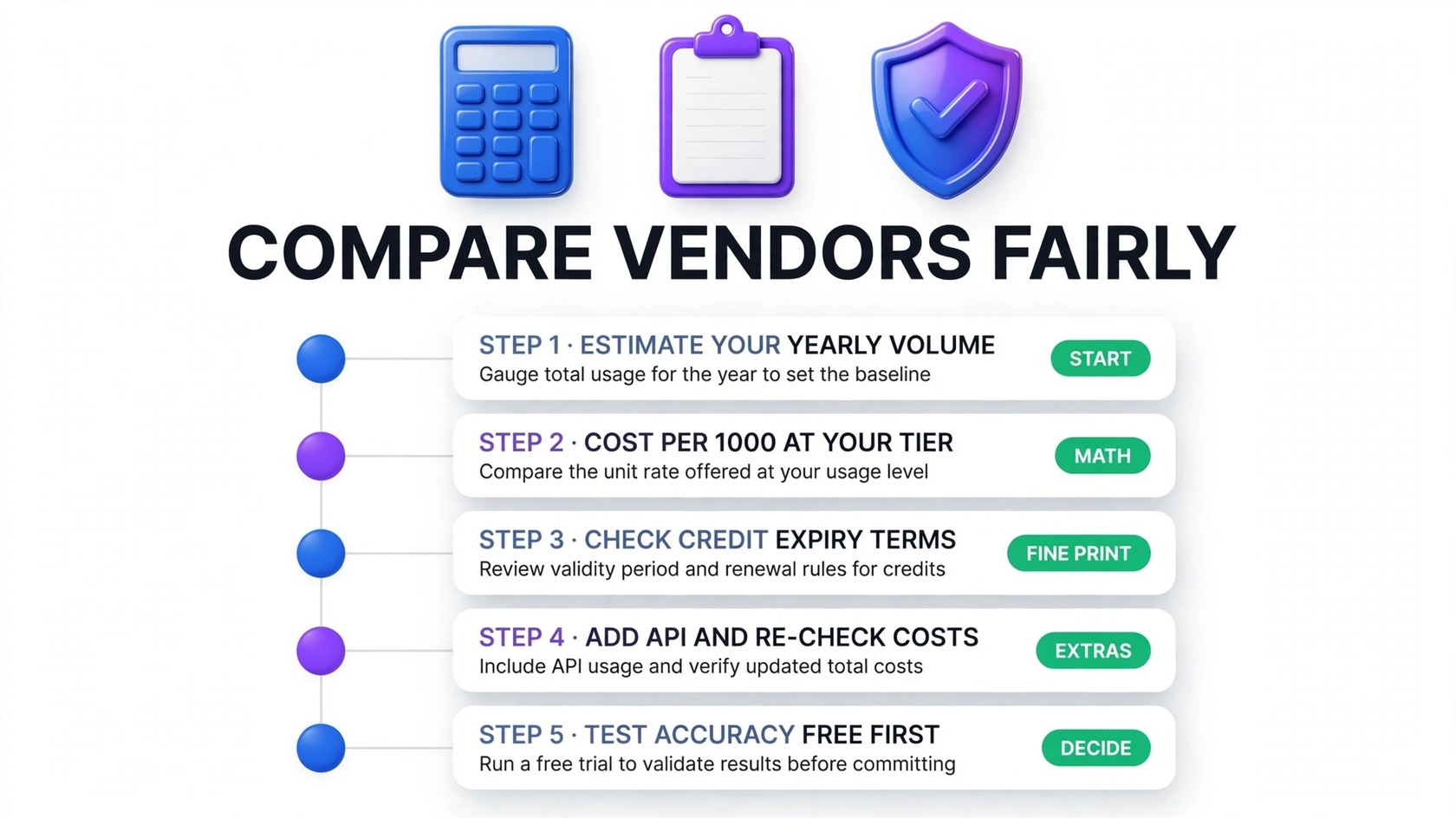
Vendor A looks cheaper than Vendor B at 10,000 emails but more expensive at 500,000 — because per-unit pricing almost always drops at higher tiers. Here’s a five-step method that cuts through the marketing:
- Estimate your real annual volume. Count your current list, then multiply by how often you’ll re-verify (every 3–6 months is typical) and add new signups. A 50,000-address list verified quarterly is 200,000 verifications a year.
- Compute cost per 1,000 at that volume. Standardize every vendor to the same unit at your tier, using the pricing page for the plan you’d actually buy.
- Adjust for credit expiry. If you’ll only use 60% of a credit pack before it expires, divide the price by 60% of the credits — that’s your true per-unit cost.
- Add the extras you’ll actually use. API access for signup forms, re-verification cycles, extra seats. A plan that’s cheap for bulk uploads can be expensive once the API add-on is included.
- Weight by accuracy. A cheaper vendor that misses risky addresses costs you bounces. Use the free tier to test accuracy on your own sample before committing. Independent roundups like Sender.net’s 2026 verification tools comparison and Mailercloud’s 2026 service roundup can help you shortlist vendors to test.
Run this math once and the “cheapest” vendor for someone else’s use case stops mattering — you’ll know the cheapest one for yours.
Pricing checklist before you buy
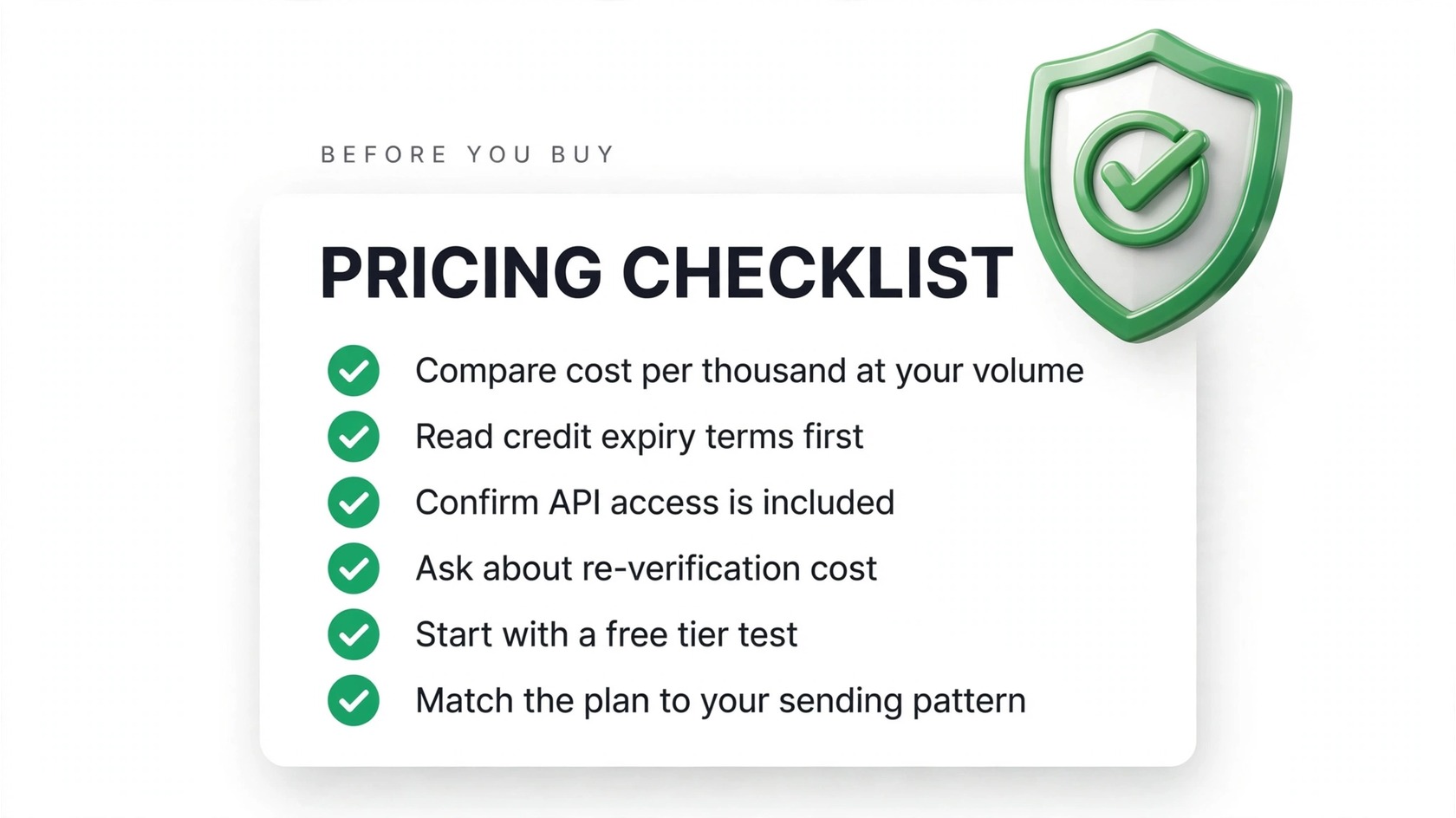
Run through this list on every vendor’s pricing page before entering card details:
- How is one credit consumed — per check, per result type, or per API call?
- Do credits expire? On what schedule, and does it differ between pay-as-you-go and subscription?
- Is real-time API/widget verification included, or is it a separate tier?
- What does re-verifying the same list in six months cost?
- Are there volume tiers — and does the per-unit price drop at your list size?
- Is there a free tier generous enough to run an accuracy test on your own data?
- Are integrations, extra seats, or deliverability extras bundled or billed separately?
If a pricing page can’t answer most of these, that’s information too — transparent vendors publish clear answers. And if you’re wondering whether you even need a paid tool for a quick one-off check, see our guide on how to verify an email address without sending anything.
When pay-as-you-go beats subscriptions (and when it doesn’t)
Pay-as-you-go wins when your verification is irregular: seasonal campaigns, agency work for different clients, or a one-time cleanup before a platform migration. No monthly bill ticks while credits sit unused, and non-expiring credits (where offered) make the math even better.
Subscriptions win when your volume is steady and predictable: signup flows checked via API, newsletter lists re-verified regularly, or teams verifying continuously. If you’ll reliably burn through most of each month’s credits, the lower per-unit rate and bundled API access usually beat pay-as-you-go.
The break-even test is simple: estimate your monthly usage, price both options at that volume for a full year, and pick the lower total — remembering to adjust pay-as-you-go for any credit expiry. The “right” model flips depending on whether your volume is spiky or steady, so let the math decide.
FAQs
How much does email verification cost?
Vendors typically sell pay-as-you-go credit packs or monthly subscriptions, with per-unit cost falling as volume rises. For your case, compute cost per 1,000 emails at your actual annual volume — including re-verification cycles — and adjust for credit expiry. Always confirm current rates on the vendor’s official pricing page.
Is pay-as-you-go or monthly better for email verification?
Pay-as-you-go suits irregular, seasonal, or one-off verification with no recurring bill. Monthly subscriptions suit steady, predictable volume — ongoing signup checks via API or regular list re-verification. Price both at your annual volume for a year and pick the lower total.
Do email verification credits expire?
It varies by vendor and plan. Some pay-as-you-go credits never expire; others lapse after 12–24 months. Monthly plan credits almost always reset each billing cycle. Check the expiry terms before buying — expired unused credits are the most common way buyers overpay.
What is a verification credit?
A credit is the unit vendors sell: usually one credit equals one email checked. But definitions differ — some bill differently by result type or charge separately for API checks — so read how each vendor consumes credits before comparing prices.
Are there hidden fees in email verification pricing?
Common ones: real-time API access gated behind higher tiers, full-price re-verification of the same list, expiring unused credits, and deliverability extras bundled into plans you may not need. A transparent pricing page answers all of these upfront.
Can I verify emails for free?
Most vendors offer free tiers of a few hundred to around a thousand credits — enough to test accuracy on a real sample of your list, but not to sustain regular sending. Use free tiers as an accuracy test before you buy, not as a long-term plan.
Why do two vendors charge such different prices?
Differences usually come down to credit expiry terms, whether API access is included, how credits are consumed per check, volume tier breaks, and bundled extras like email finding or warmup tools. Compare effective cost per 1,000 at your volume — not headline prices — to see the real gap.
The bottom line
Email verification pricing looks simple — credits, plans, done — but the real price hides in credit expiry, API add-ons, and re-verification cycles. Compute cost per 1,000 at your volume, adjust for credits you’ll never use, and pick the model that matches your sending pattern. Ready to see simple, honest pricing? Check PureListVerifier’s pricing and test accuracy on your own list first.