How to Verify an Email Address Without Sending an Email
August 21, 2026
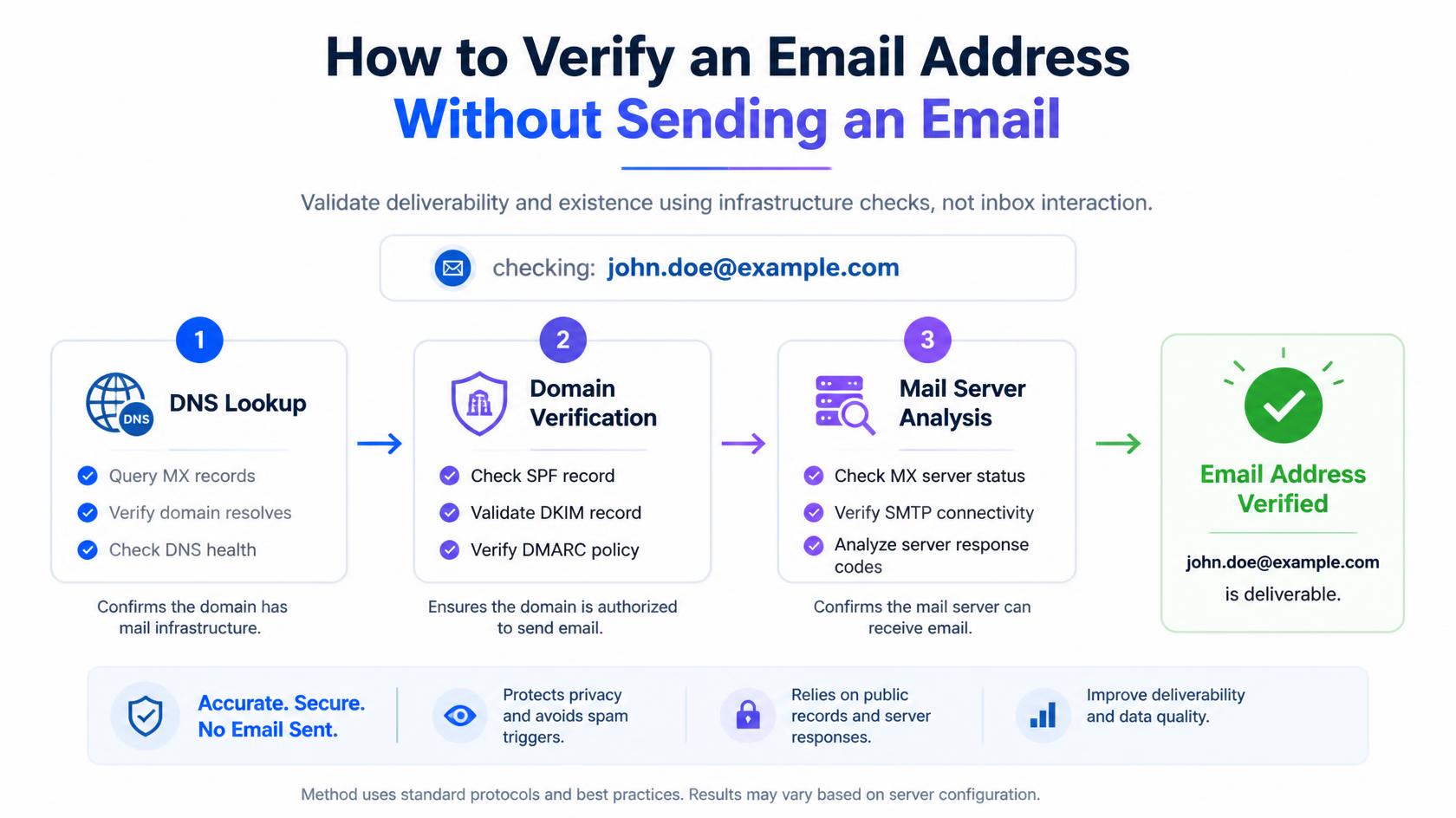
You have an address in front of you and no way to know whether it works. Emailing it to find out is the obvious move and also the worst one: if the mailbox is dead you get a hard bounce, and hard bounces are exactly what damages a sender’s standing with mailbox providers.
Fortunately you can learn most of what you need without transmitting a message. This guide covers the methods that work, how to run them yourself, and what none of them can tell you.
Can you check an address without emailing it?
Yes, for the most part. Mail servers answer several questions before a message is ever sent, and those answers are enough to identify most undeliverable addresses.
There are four checks worth running, in increasing order of effort and usefulness:
- Check the format
- Check the domain’s mail records
- Check the mailbox with the receiving server
- Check for risk signals such as disposable domains
The first two you can do by hand in under a minute. The third is where things get technical, and where dedicated tools earn their place.
Method 1: check the format
Start with the address itself. Look for a single @, something before it, a domain after it, a dot in that domain, and no spaces or stray characters. Then read the domain carefully, because this is where most mistakes hide.
Common domain typos worth knowing by sight:
- gmial.com, gmai.com, gmail.co instead of gmail.com
- yaho.com, yahooo.com instead of yahoo.com
- hotmial.com, hotmai.com instead of hotmail.com
- outlok.com instead of outlook.com
This step costs nothing and takes seconds, but it only catches mistakes. An address can be flawlessly formatted and completely dead, so treat this as the beginning rather than the check.
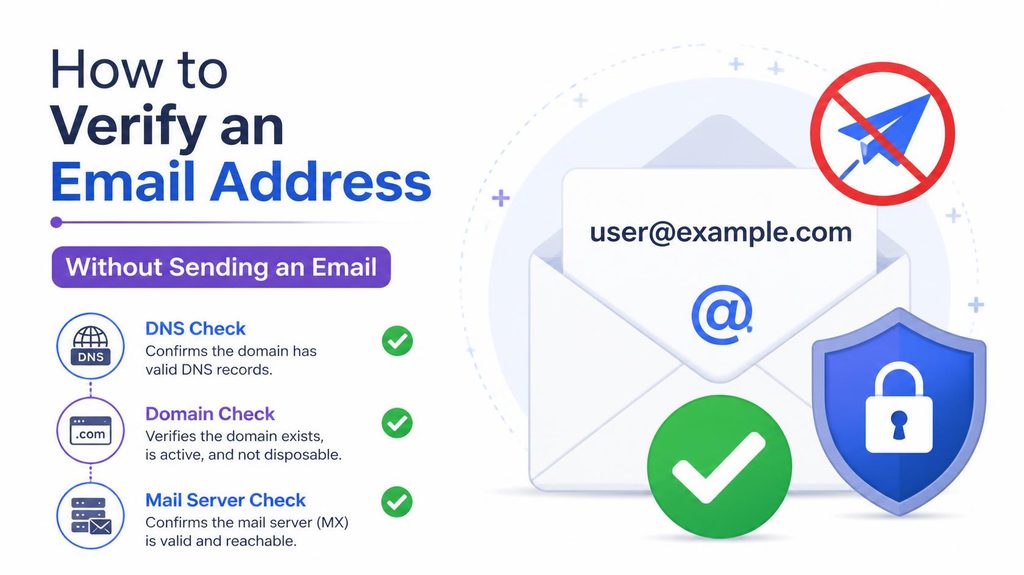
Method 2: look up the domain’s MX records
MX records are DNS entries that name the servers responsible for receiving a domain’s mail. If a domain publishes none, it cannot accept email at any address, so every address on it is undeliverable no matter how it is spelled.
You can check this yourself. On Windows, open Command Prompt and run:
nslookup -type=mx example.com
On macOS or Linux, open Terminal and run:
dig MX example.com +short
If you would rather not touch a command line, any online MX lookup tool does the same job in a browser.
How to read the result
| What you see | What it means |
| One or more mail servers listed | The domain can receive mail. Continue to the next check. |
| No MX records at all | The domain cannot receive mail. Every address on it is invalid. |
| Domain does not resolve | The domain does not exist. The address is invalid. |
| Records point to a known disposable provider | Treat the address as temporary and low value. |
This single check eliminates a surprising share of bad addresses on old lists, because companies close and domains lapse far more often than people expect.
Method 3: ask the mail server directly
This is the step that actually confirms a mailbox, and the one people mean when they talk about verifying without sending.
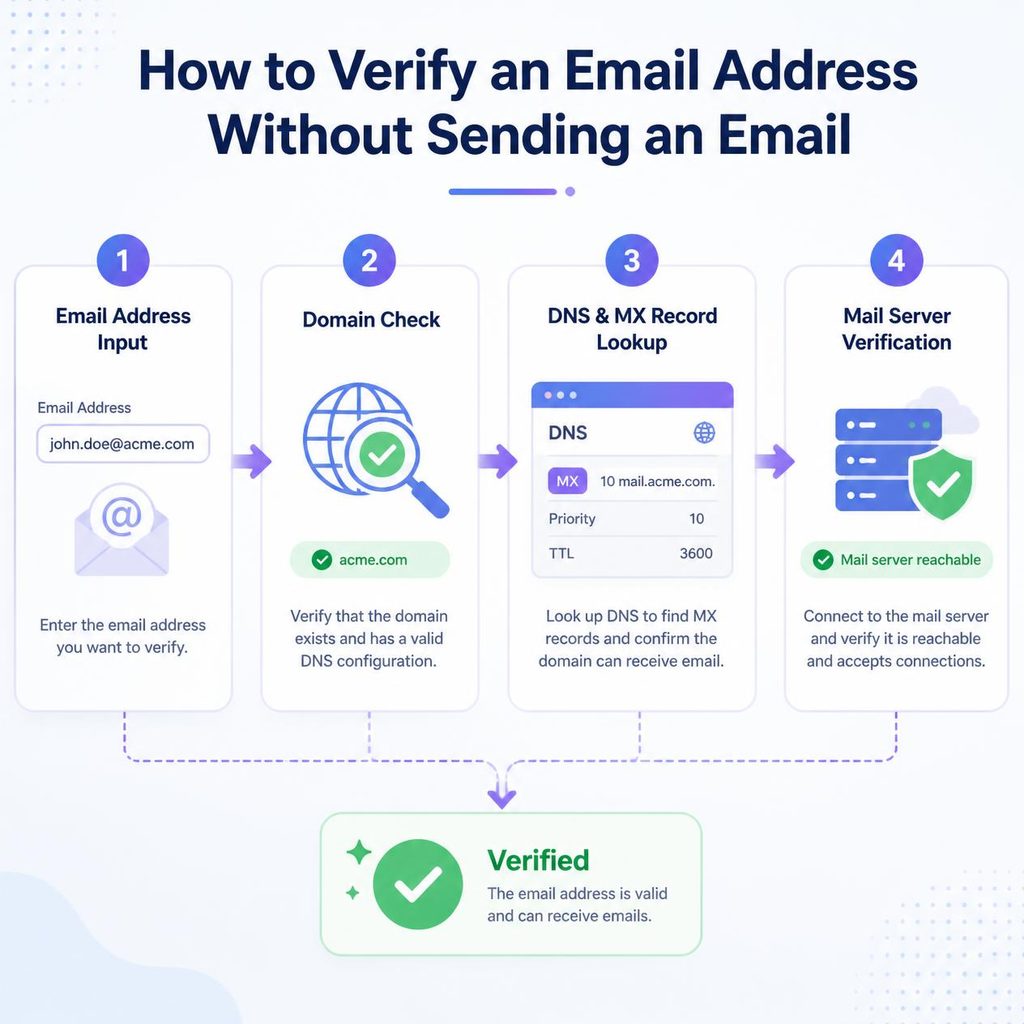
Delivering an email is a conversation. The sending server connects, introduces itself, states who the message is from, then states who it is for. At that last point the receiving server usually indicates whether it will accept mail for that recipient. Only after that does anything get transmitted.
Verification stops at exactly that point. The question is asked, the answer is recorded, the connection closes, and no message is ever sent. Nothing reaches the recipient and nothing appears in their inbox.
Why doing this manually rarely works any more
Older tutorials suggest opening a connection by hand with telnet. The technique is real, but on a normal internet connection it usually fails, for reasons that have nothing to do with your skill:
- Port 25 is blocked. Almost every residential and most business ISPs block outbound connections on the port mail servers listen on, specifically to limit spam.
- Your address has no reputation. Receiving servers are far more willing to answer questions from a known, trusted sender than from an unrecognised home connection.
- Greylisting. Many servers deliberately defer unfamiliar connections on first contact and only respond properly on a later retry.
- Deliberate ambiguity. Some servers accept every recipient by design so that harvesters cannot map their valid addresses.
Even where it does work, checking one address by hand takes a few minutes. That is fine for a single important lead and impossible for a list of any size.
Method 4: use a verification service
A verification service performs all of the above at once, from infrastructure built for the job: established sending reputation, unblocked ports, automatic retry handling for greylisted responses, and maintained lists of disposable domains and role accounts.
You get one status per address instead of raw server output to interpret.
| Result | Meaning | Action |
| Valid | Mailbox exists and the server accepted the check | Safe to send |
| Invalid | Mailbox does not exist, or the domain cannot receive mail | Remove |
| Catch-all | Domain accepts every address, so the mailbox cannot be confirmed | Segment and watch bounces |
| Unknown | No clear answer, often greylisting | Re-check later |
| Risky | Disposable, role-based or complaint-associated | Decide case by case |
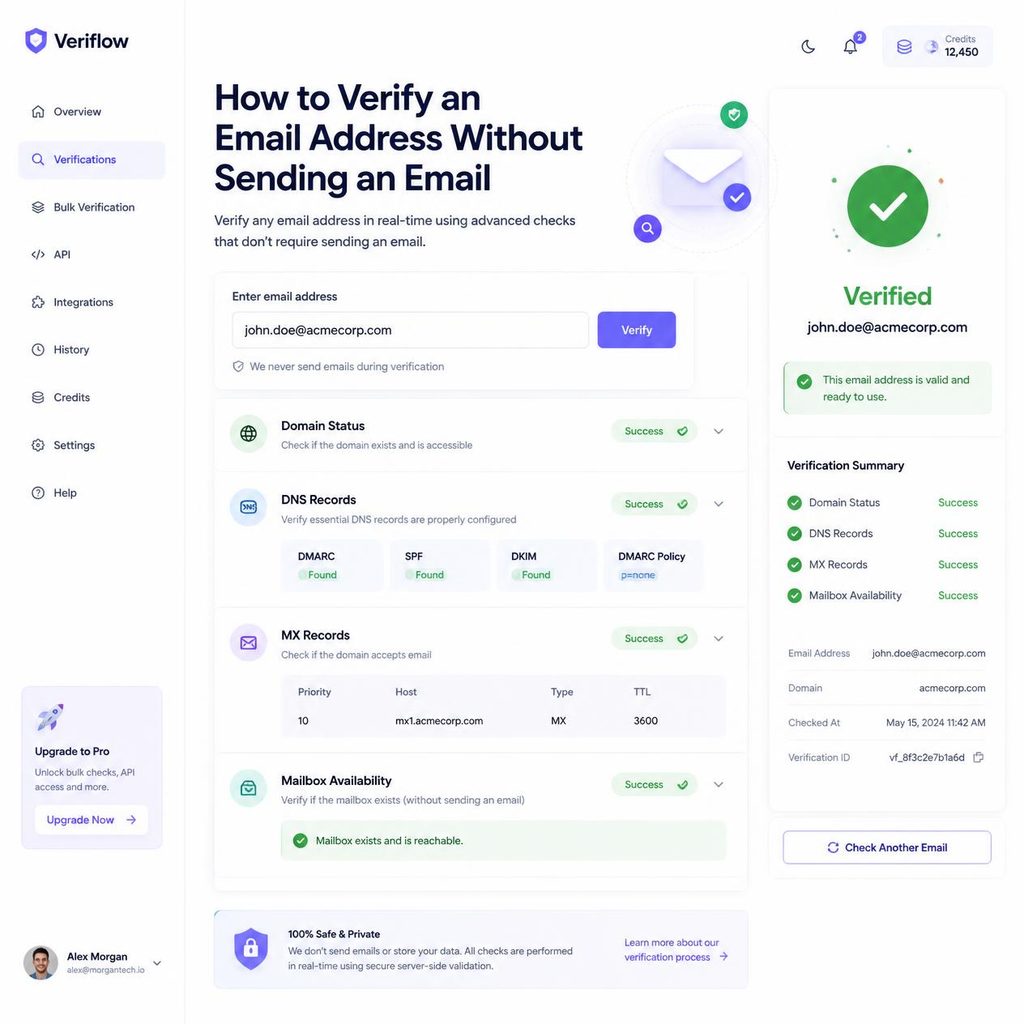
PureListVerifier offers this two ways: paste or upload addresses for a one-off check, or call the API from your signup form so an address is checked while the person is still on the page and can correct it.
Checking a whole list rather than one address
Everything above scales badly. An MX lookup takes a minute per domain, which is fine for one address and impossible for four thousand. The bulk process solves this by running the same checks in parallel and handing back a file.
- Export your list as a CSV from your email platform or CRM. Keep any column you need to match results back to your records.
- Upload the file. The email column is detected automatically and your other columns pass through untouched.
- Wait for the checks. Large lists take longer than the address count suggests, because receiving servers limit how fast they will answer.
- Download the results, which are your original rows with a status column added.
- Act on the statuses. Delete invalid, keep valid, and move catch-all and unknown into separate segments instead of mixing them back in.
- Re-import the cleaned file, replacing the old list rather than adding to it.
Keep each results file. Comparing one clean against the next shows how quickly your particular list decays, which is a better guide to how often you should repeat this than any general recommendation. You can run this as a one-off in PureListVerifier, or connect the API so new addresses are checked as they arrive and the list never gets into that state again.
For a single important address
If you are checking one contact rather than a list, two non-technical checks are worth adding.
Confirm the pattern. Most companies use a consistent format such as firstname.lastname@company.com or firstinitiallastname@company.com. If other addresses at that company follow one pattern and yours does not, it may have been guessed rather than given.
Confirm the person is still there. A verified mailbox at a company someone left three months ago is technically deliverable and practically useless. A quick look at the company site or the person’s professional profile answers this faster than any tool.
What none of these methods can tell you
It is worth being clear about the ceiling here.
- Whether a catch-all address is real. The domain accepts everything by design, so nobody can confirm the individual mailbox without sending. This is a genuine limit, not a shortcoming of any particular tool.
- Whether anyone reads it. An abandoned but still active mailbox verifies as valid forever.
- Whether they want your email. Deliverability and permission are separate questions, and only the second one keeps you out of spam complaints.
- Whether it will still work next month. Verification is a snapshot. People change jobs and close accounts continuously.
Which method should you use?
| Your situation | Best approach |
| One address, and you have five minutes | Format check, then MX lookup, then confirm the person exists |
| A few dozen addresses | A verification tool. Manual checking stops being realistic quickly. |
| A whole list | Bulk verification |
| Addresses arriving continuously from a form | Real-time API at the point of signup |
Frequently asked questions
Will the person know I checked their address?
No. The check stops before any message is transmitted, so nothing arrives in their inbox and they receive no notification.
Is verify an email address without sending legal?
Checking whether a mailbox exists is a standard part of how mail systems work. What is regulated is how you obtained the address and what you do next. Data protection rules such as GDPR apply to storing and processing personal data regardless of how you verified it, so handle addresses accordingly and choose a provider whose retention policy you are comfortable with.
Can I verify a Gmail address this way?
Generally yes. Large consumer providers do respond to mailbox checks, though they rate-limit heavily, which is why bulk jobs against them take longer than the address count suggests.
Why did my check come back as unknown?
Usually greylisting or rate limiting: the server deferred rather than refused. Re-check later and it often resolves. Do not treat unknown as valid in the meantime.
Are free single-address checkers accurate?
They vary. Many only perform format and MX checks while presenting the result as a full verification, which is precisely the confusion worth avoiding. The reliable signal is whether the tool reports catch-all and unknown as separate outcomes. A tool that only ever says valid or invalid is not reaching the mailbox.
Does sending a test email work just as well?
It answers the question, but it is the expensive way to ask. A test to a dead address produces a hard bounce recorded against your sending reputation, which is the outcome verification exists to prevent.
Where to start
For one address, run the format check and the MX lookup yourself. Both are quick, neither costs anything, and together they catch a large share of the addresses that would have bounced.
Past a handful of addresses, the manual route stops being worth the time, and the mailbox check is the part that matters most anyway. That is the point to hand the job to a tool built for it.