SPF, DKIM & DMARC Explained: The 2026 Deliverability Trio
October 8, 2026
Quick answer
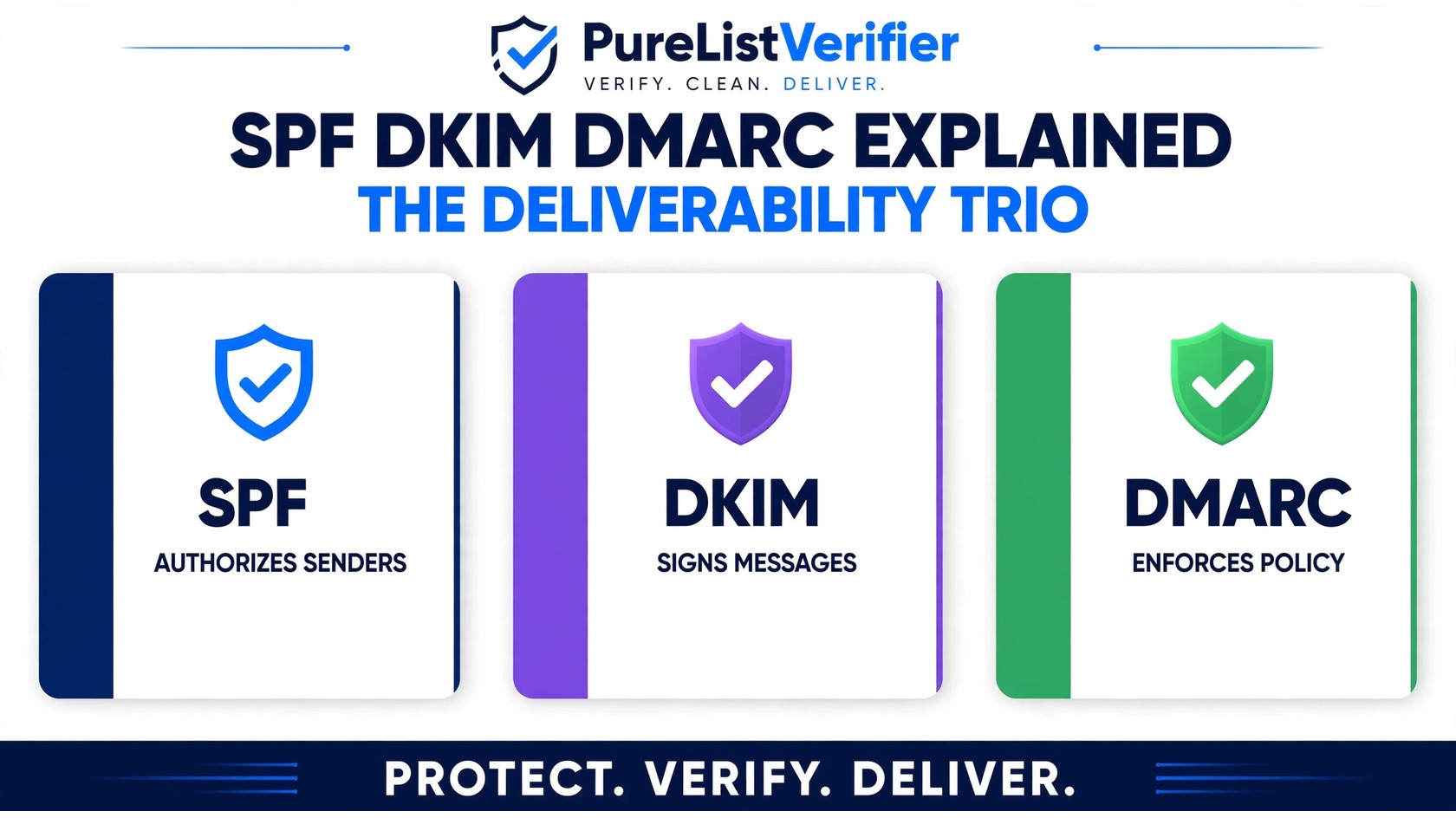
Having SPF, DKIM & DMARC explained in plain English is simpler than most guides make it: SPF publishes a list of servers allowed to send email for your domain, DKIM adds a cryptographic signature that proves each message wasn’t tampered with, and DMARC tells receiving servers what to do when SPF or DKIM checks fail — and reports back to you. Together, they form the three-part authentication trio that Gmail, Yahoo, and every major mailbox provider uses to decide whether your emails reach the inbox or land in spam.
In this guide you’ll learn what each protocol does (with simple analogies), how the three work together through alignment, the correct setup order, the most common mistakes, and why senders who skipped this started getting bulk-rejected by Gmail and Yahoo in 2024.
Why SPF, DKIM & DMARC explained together matters for deliverability
Think of your domain as a business with a front door, and mailbox providers as the security staff: before they let your email through to the inbox, they check your ID. SPF, DKIM, and DMARC are the three pieces of ID they accept — show up without them and you’re treated as suspicious by default. Our email deliverability terms guide covers the wider vocabulary, but authentication is the foundation.
Authentication is not the same as list verification. Authentication (SPF/DKIM/DMARC) proves you are legitimate — it stops criminals from impersonating your domain. Verification ensures your recipients are real — it removes dead, fake, and risky addresses. You need both: authentication gets your mail accepted, and a clean list protects your domain and IP reputation. PureListVerifier handles the verification half; this guide covers the authentication half.
SPF explained: your authorized senders list
SPF stands for Sender Policy Framework. You publish a DNS TXT record listing every server allowed to send email for your domain. When a receiving server gets a message from your domain, it looks up your SPF record and checks whether the sending server’s IP is on the list. Match — SPF passes. Not on the list — SPF fails.
Simple analogy: SPF is the guest list at a club door — on the list, you’re in; not on it, you’re turned away. One catch: SPF checks the hidden envelope-from address in the email headers, not the From: address your recipient sees. That gap is one reason SPF alone isn’t enough.
A typical SPF record looks like this: v=spf1 include:_spf.google.com include:servers.mcsv.net ~all. Each include adds an authorized sender — Google Workspace, Mailchimp, or your ESP. The ~all at the end means “be suspicious of anything else”.
The big SPF limit: DNS lookups are capped at 10 per record. Stack too many includes and the record silently breaks (“permerror”), failing authentication for everything. More on that below.
DKIM explained: the digital signature on every email
DKIM stands for DomainKeys Identified Mail. Where SPF checks who sent the email, DKIM checks what was sent. Your sending server signs each outgoing message with a private key and publishes the matching public key in a DNS TXT record. The receiver verifies the signature: match, and the message arrived exactly as sent — content, attachments, headers untouched. Altered in transit, and the signature breaks.
Simple analogy: DKIM is the wax seal on an old letter. Anyone can check the seal against the known original, but only the sender has the signet ring to make it. A broken seal means the letter was opened or altered on the way.
Unlike SPF, DKIM survives forwarding: the sending IP changes (breaking SPF), but the signature stays valid as long as the content is unmodified. That’s why DMARC needs at least one of the two to pass.
DMARC explained: the rulebook that ties it all together
DMARC stands for Domain-based Message Authentication, Reporting, and Conformance. Without DMARC, receiving servers do whatever they like when SPF or DKIM fail — usually deliver the message anyway. DMARC closes that loop: your DNS TXT record tells receivers what to do on failure, and asks them to send you reports.
Simple analogy: if SPF is the guest list and DKIM is the wax seal, DMARC is the written instruction you hand the bouncer: “If someone’s not on the list AND the seal is broken, here’s what to do with them.” Without it, the bouncer makes their own call — and usually lets them through.
DMARC policies come in three strictness levels:
- p=none — no action, just reports. Your monitoring mode: start here.
- p=quarantine — failing mail is treated as suspicious, usually sent to spam.
- p=reject — failing mail is refused outright. Maximum protection, and the end goal.
DMARC also introduces alignment: the domain authenticated by SPF or DKIM must match the domain in the visible From: header — which is what actually stops spoofing, since a scammer’s own valid SPF record won’t align with your From domain. DMARC passes only when SPF or DKIM passes and aligns. The bonus: DMARC aggregate reports show you who’s sending mail as your domain — forgotten legitimate senders, and attackers trying to spoof you.
SPF vs DKIM vs DMARC: the comparison table
| Protocol | What it proves | How it works | Main weakness |
|---|---|---|---|
| SPF | Which servers may send for your domain | DNS list of authorized IPs/services | Breaks on forwarding; checks hidden envelope-from |
| DKIM | The message wasn’t altered in transit | Signature verified against your public DNS key | Breaks if a service modifies content mid-route |
| DMARC | What to do on SPF/DKIM failure — plus reports | DNS policy (none/quarantine/reject) + alignment | Does nothing alone — needs SPF and/or DKIM under it |
The takeaway: SPF and DKIM are signals; DMARC is the policy. One without the others leaves a gap — and gaps are what spoofers exploit.
How the trio works together: one email’s journey
Walk through what happens when you send a campaign email to a Gmail address:
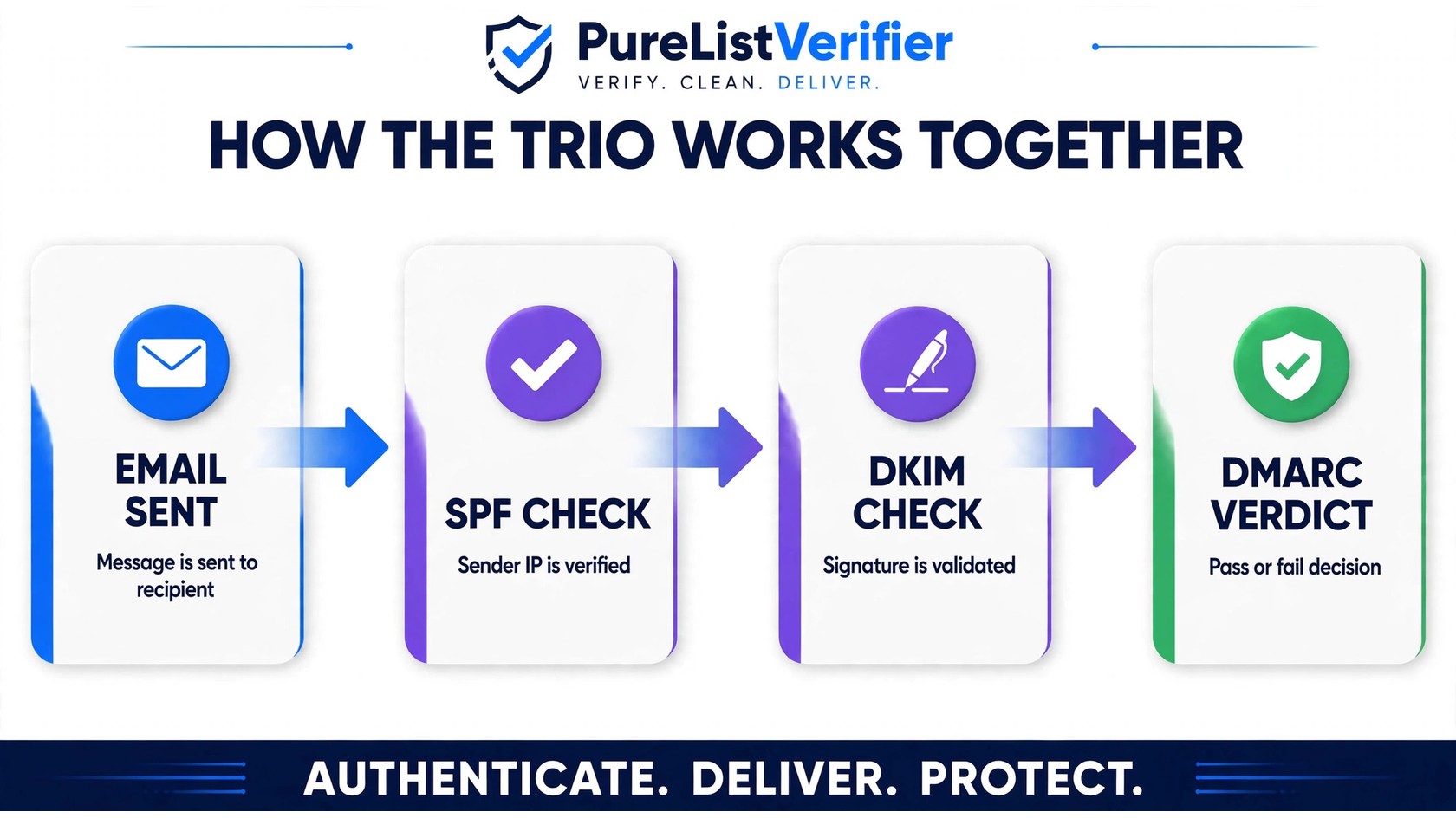
- You hit send. Your email platform signs the message with your DKIM private key.
- SPF check. Gmail looks up your SPF record: is this sending IP authorized? Pass or fail.
- DKIM check. Gmail pulls your public DKIM key from DNS: does the signature match the message? Pass or fail.
- DMARC verdict. Do the passing domains match the From: address the recipient sees? If at least one passes and aligns, the email proceeds to inbox placement (see what happens when email is marked as spam). If both fail or nothing aligns, your DMARC policy (none/quarantine/reject) decides the email’s fate — and receivers send you aggregate reports on it.
The sequence happens in milliseconds, before any spam filter runs. When all three pass cleanly, inbox placement improves — and spoofing your brand gets much harder.
Setting up SPF, DKIM & DMARC: the correct order
Jumping straight to a strict DMARC policy before SPF and DKIM are solid will block your own legitimate email. Follow this order:
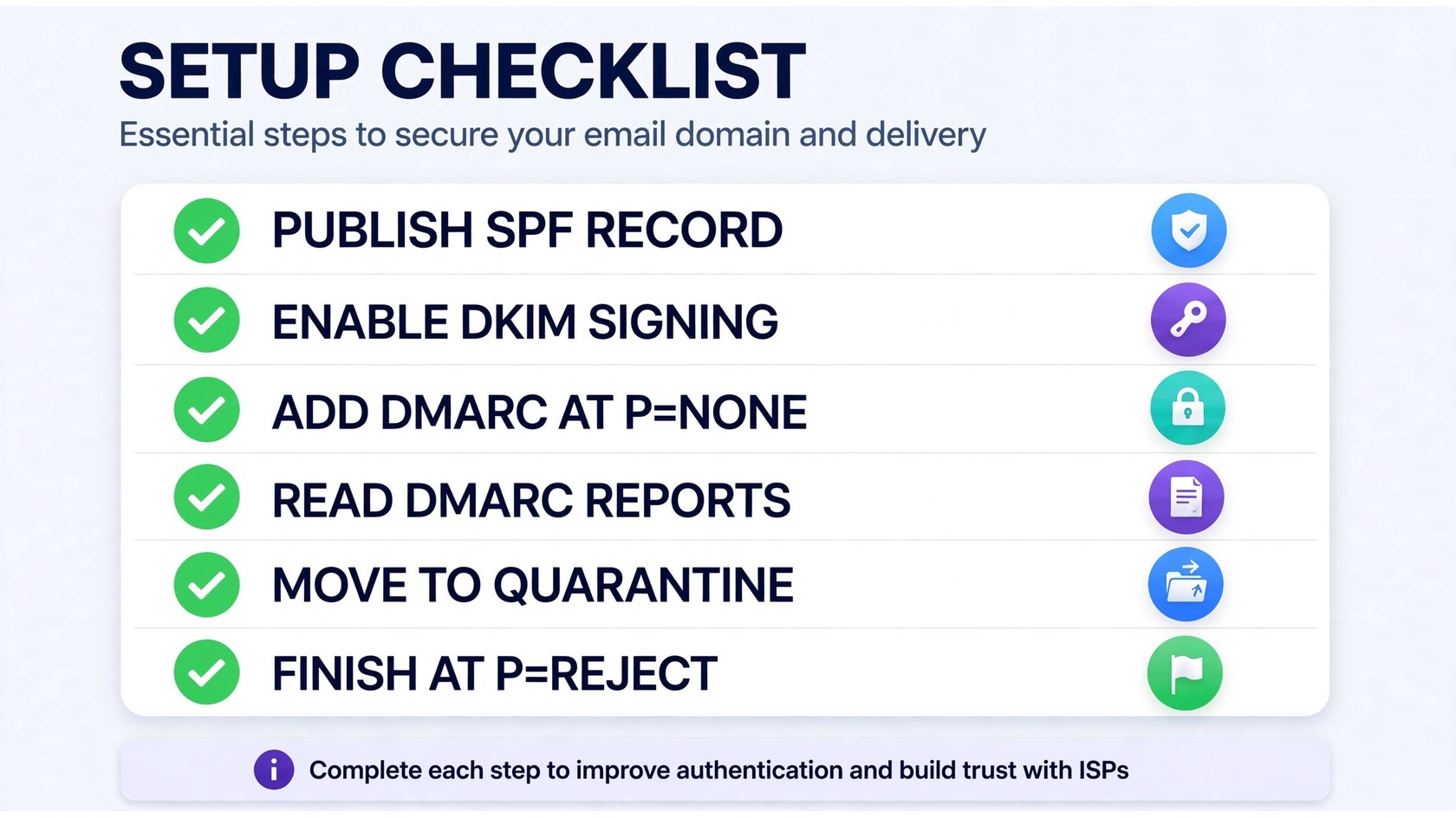
- SPF first. List every service that sends email for your domain — ESP, CRM, website transactional mail, calendar invites — and add them all to one TXT record at your domain root, keeping lookups under 10.
- DKIM second. Enable signing in each sending platform and publish its public key to DNS. Verify each one before moving on.
- DMARC with p=none. Publish
v=DMARC1; p=none; rua=mailto:dmarc-reports@yourdomain.comand collect reports for 2–4 weeks — this reconnaissance phase reveals senders you forgot about. - Move to p=quarantine. Once reports show your legitimate mail passing consistently, tighten the policy — failing mail now lands in spam.
- Finish at p=reject. When quarantine reports stay clean for a few weeks, go strict: attackers spoofing your domain get bounced outright.
DNS changes usually propagate within a few hours. Confirm records with free lookup tools like MXToolbox or Google Admin Toolbox CheckMX — and send a test email to Gmail, viewing “Show original” for the SPF, DKIM, and DMARC PASS/FAIL results.
Google’s official SPF, DKIM, and DMARC setup documentation is the most reliable reference for exact DNS values. MailerCloud’s deliverability blog covers authentication alongside reputation and list hygiene.
SPF, DKIM & DMARC explained: 6 common mistakes to avoid
- Too many SPF includes. The 10-DNS-lookup limit is the #1 silent killer. Audit your record with a free lookup tool and remove dead services.
- Multiple SPF records. A domain can only have ONE SPF TXT record — two records means an error, and authentication fails. Merge them.
- Forgetting subdomain senders. Mail from
mail.yourdomain.comneeds its own coverage — its own records or proper inheritance. - DKIM selector typos. A typo in the selector name means the public key is never found. Copy-paste from your provider’s admin panel.
- Skipping the monitoring phase. Publishing
p=rejecton day one without reading reports is how companies block their own invoices and password resets. Always start atp=none. - No report mailbox. DMARC reports go to the
ruaaddress you specify. Without a monitored mailbox, you lose the early-warning system that exposes spoofing attempts.
What happens if you skip SPF, DKIM & DMARC in 2026
This isn’t theoretical anymore. In February 2024, Gmail and Yahoo began enforcing new bulk-sender requirements: authenticated email (SPF and DKIM at minimum), easy one-click unsubscribe, and low spam complaint rates. Non-compliant senders started seeing mail rejected or bulk-routed to spam. If you send any meaningful volume, unauthenticated sending is now an actively punished strategy.
Without authentication, three things happen:
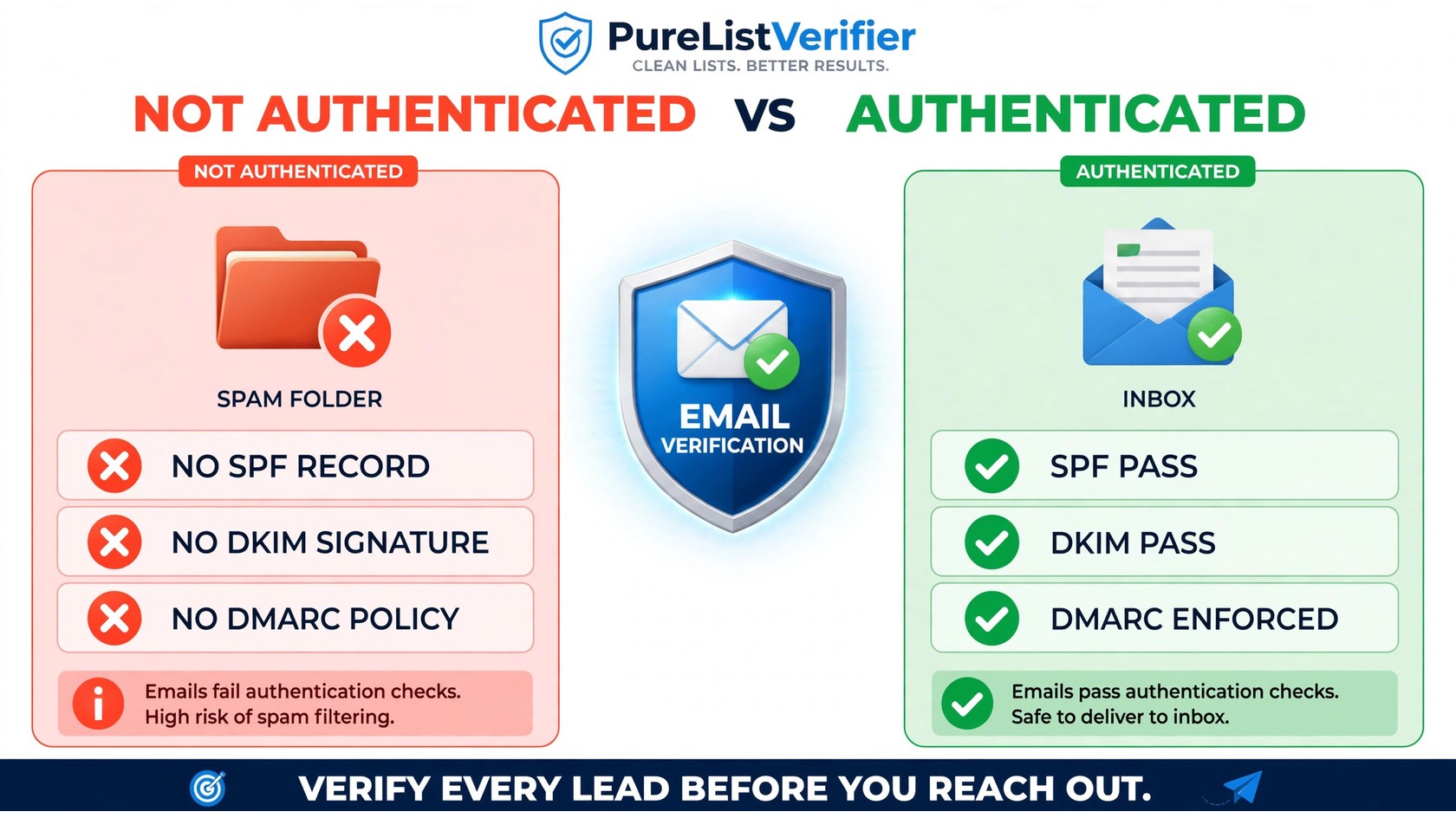
- Spam-folder placement. Unauthenticated mail gets heavily penalized by spam filters, even with perfect content. If you’re seeing delivery issues, our guide on checking blacklists and getting removed covers the reputation side of the same problem.
- Spoofing exposure. Without DMARC at
quarantineorreject, anyone can send email claiming to be your domain — eroding customer trust, and without DMARC reports you may never know it’s happening. - Compounding reputation damage. Bounces from bad addresses plus missing authentication multiply each other. Fix authentication with this guide, and clean your lists with a verification tool before your next campaign.
Authentication alone doesn’t guarantee the inbox — content, engagement, and list quality still matter. But it’s the gate you walk through before anything else counts.
FAQs
Do I need all three working together?
Yes. SPF alone breaks on forwarded mail and doesn’t check the visible From address. DKIM alone doesn’t authorize senders. And without DMARC, receivers have no instruction for handling failures — so spoofed mail gets delivered anyway.
What should my DMARC policy be: none, quarantine, or reject?
Start with p=none for 2–4 weeks to collect reports and find all your legitimate senders. Move to p=quarantine once reports are clean, then p=reject. Never start at reject — you’ll block your own legitimate mail.
Will SPF, DKIM, and DMARC guarantee my emails reach the inbox?
No. Inbox placement also depends on sender reputation, engagement, content, and list hygiene. Authentication gets you through the door; clean lists and good sending practices keep you there.
Can I set up SPF, DKIM, and DMARC with Gmail or an email marketing tool?
Yes — you must. Personal Gmail (@gmail.com) is authenticated by Google automatically, but the moment you send from your own domain (Google Workspace, Mailchimp, or any ESP), the DNS records are your responsibility. Every major provider publishes setup instructions for their SPF and DKIM values.
Does email list verification replace SPF, DKIM, and DMARC?
No. Authentication proves you are a legitimate sender; verification proves your recipients are real. A perfectly authenticated sender with a dirty list still gets high bounces, and a clean list without authentication still gets filtered as suspicious. You need both.
The bottom line
SPF, DKIM & DMARC explained in one sentence: SPF says who may send for your domain, DKIM proves what was sent hasn’t changed, and DMARC enforces the rules when either check fails. Set them up in order — SPF, then DKIM, then DMARC from none to quarantine to reject — and you close the door on spoofing while opening the inbox. Then keep your lists clean so the reputation you protect stays strong: verify your email list with PureListVerifier before your next campaign.