How Often Should You Clean Your Email List? (2026 Guide)
October 8, 2026
Quick answer
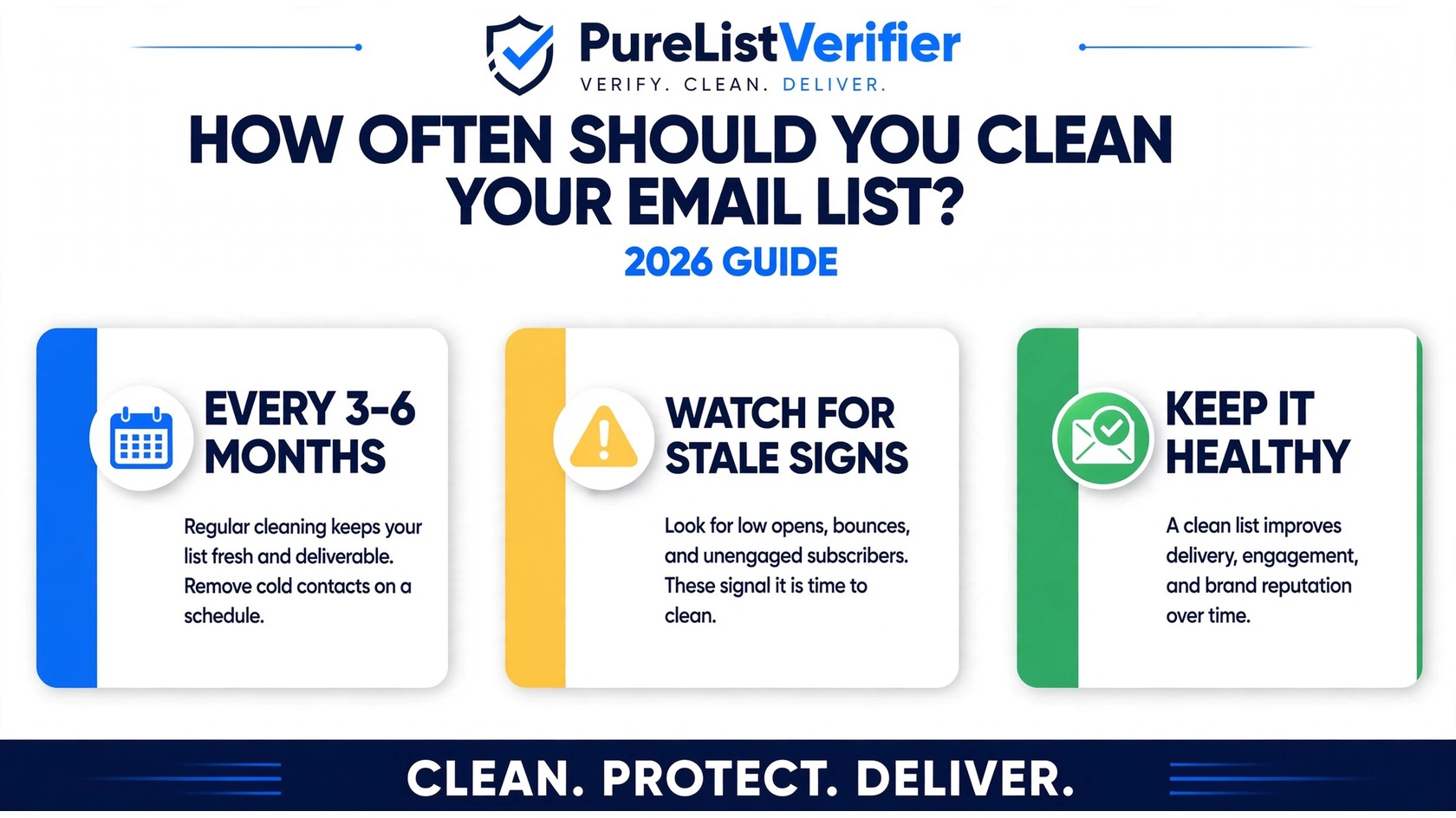
How often should you clean your email list? For most senders, every 3–6 months is the right cadence: a full bulk verification twice a year, with real-time API checks running continuously on every new signup. High-volume or cold-outreach senders should clean before every major campaign, while small, engaged lists can comfortably go six months between cleanings.
This guide breaks down the exact schedule by sender type, the five warning signs that your list needs cleaning right now, what “cleaning” actually involves beyond verification, and how to combine real-time API checks with periodic bulk cleanups so your sender reputation never takes a hit.
Why email lists go stale faster than you think
Your list starts decaying the moment you finish building it. Industry estimates suggest email lists decay by roughly 20% or more per year — people change jobs and abandon work addresses, switch providers, and simply stop checking old inboxes. On a 50,000-contact list, that’s potentially 10,000 dead addresses after a year of neglect.
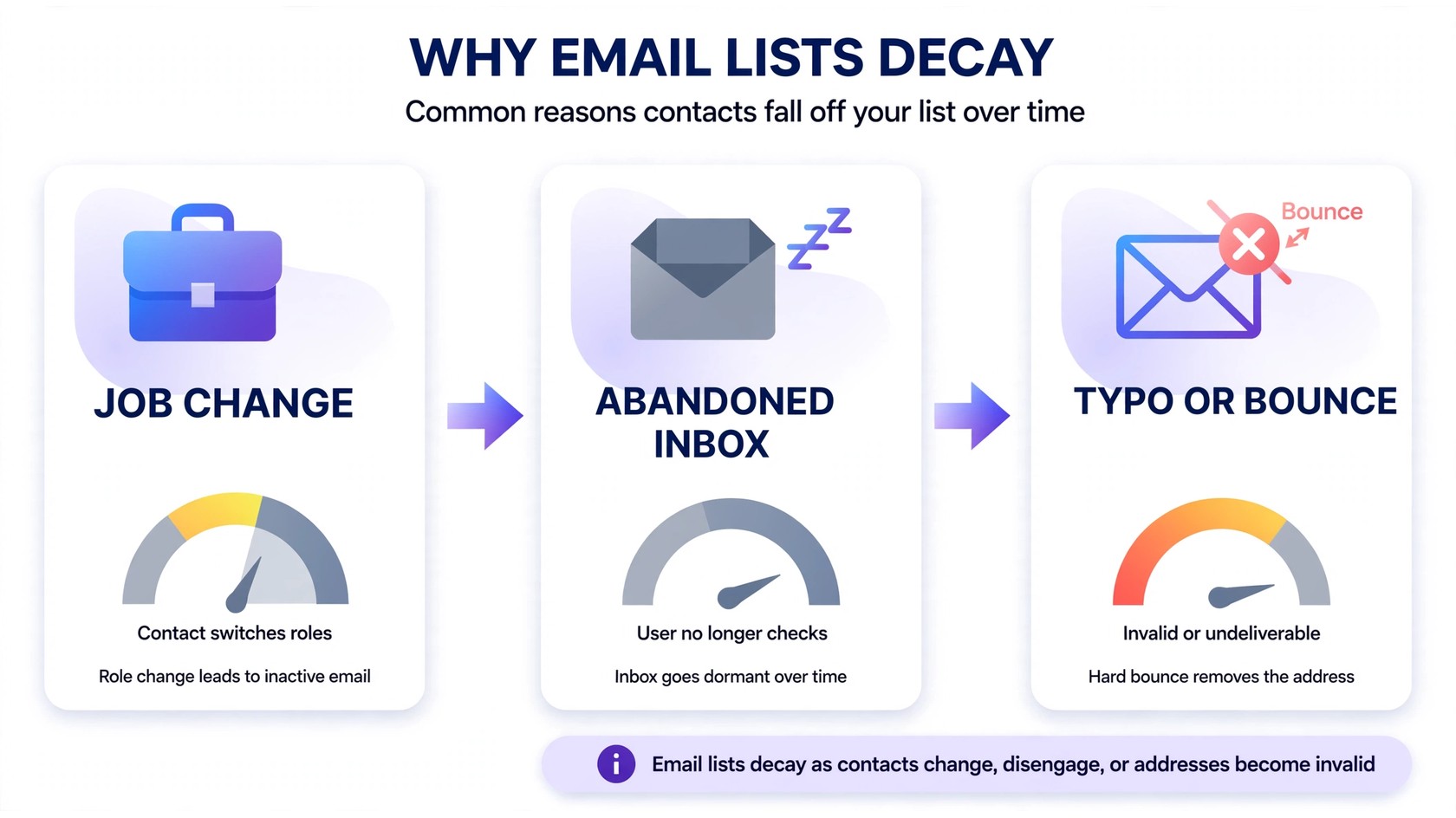
Decay doesn’t happen evenly, and it rarely announces itself. Three forces drive it:
- People move on. Job changes kill work addresses overnight, and personal inboxes get abandoned when someone switches to a new provider.
- Addresses were never real. Typos at signup, disposable emails, and fake addresses enter through forms every day unless something catches them at the gate.
- Engagement fades. Subscribers lose interest, stop opening, and become dead weight that drags your engagement metrics down — which mailbox providers read as a signal your mail isn’t wanted.
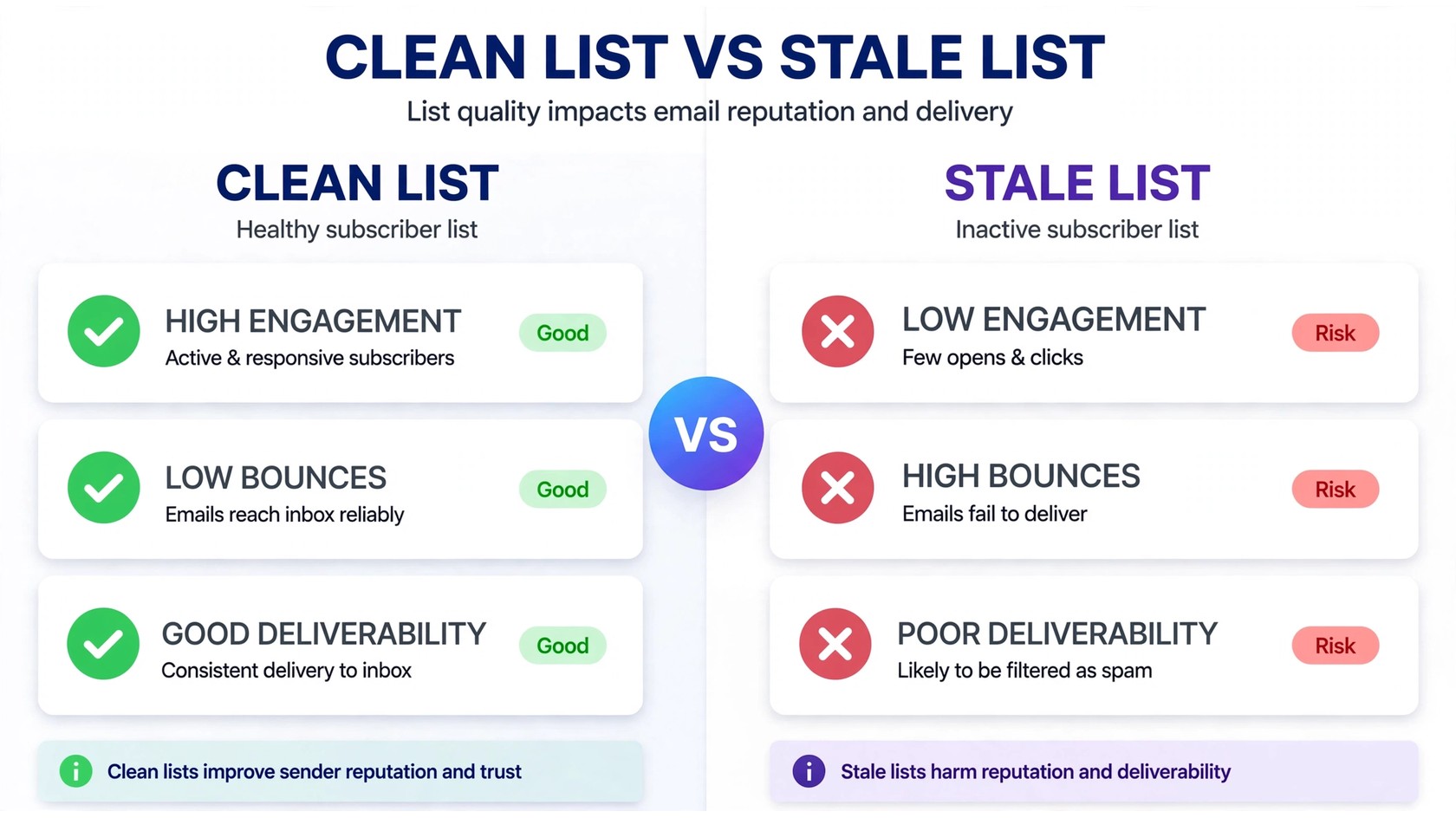
The result is the same either way: rising bounces, falling opens, and a sender reputation that quietly erodes. Regular cleaning is the only way to keep up, because the decay never stops.
How often should you clean your email list? The 2026 schedule by sender type
There’s no single universal answer to how often you should clean your email list — it depends on how you collect addresses and how frequently you send. Cold outreach lists decay faster than double-opt-in newsletter lists, and high-volume senders feel the pain of bounces much sooner. Here’s a practical schedule:
| Sender type | Recommended frequency | Why |
|---|---|---|
| Cold outreach / lead lists | Before every campaign | Prospect data goes stale fastest; every bounce risks your domain |
| Weekly newsletters | Quarterly (every 3 months) | Regular volume means bounces and dead addresses accumulate quickly |
| E-commerce / promotional senders | Quarterly (every 3 months) | Seasonal spikes and discount-chasers inflate lists with low-quality addresses |
| Monthly or low-volume senders | Twice yearly (every 6 months) | Slow accumulation; verify before any big send or holiday push |
| Event / webinar signups | After each event + quarterly | Event lists spike with typos and throwaway addresses |
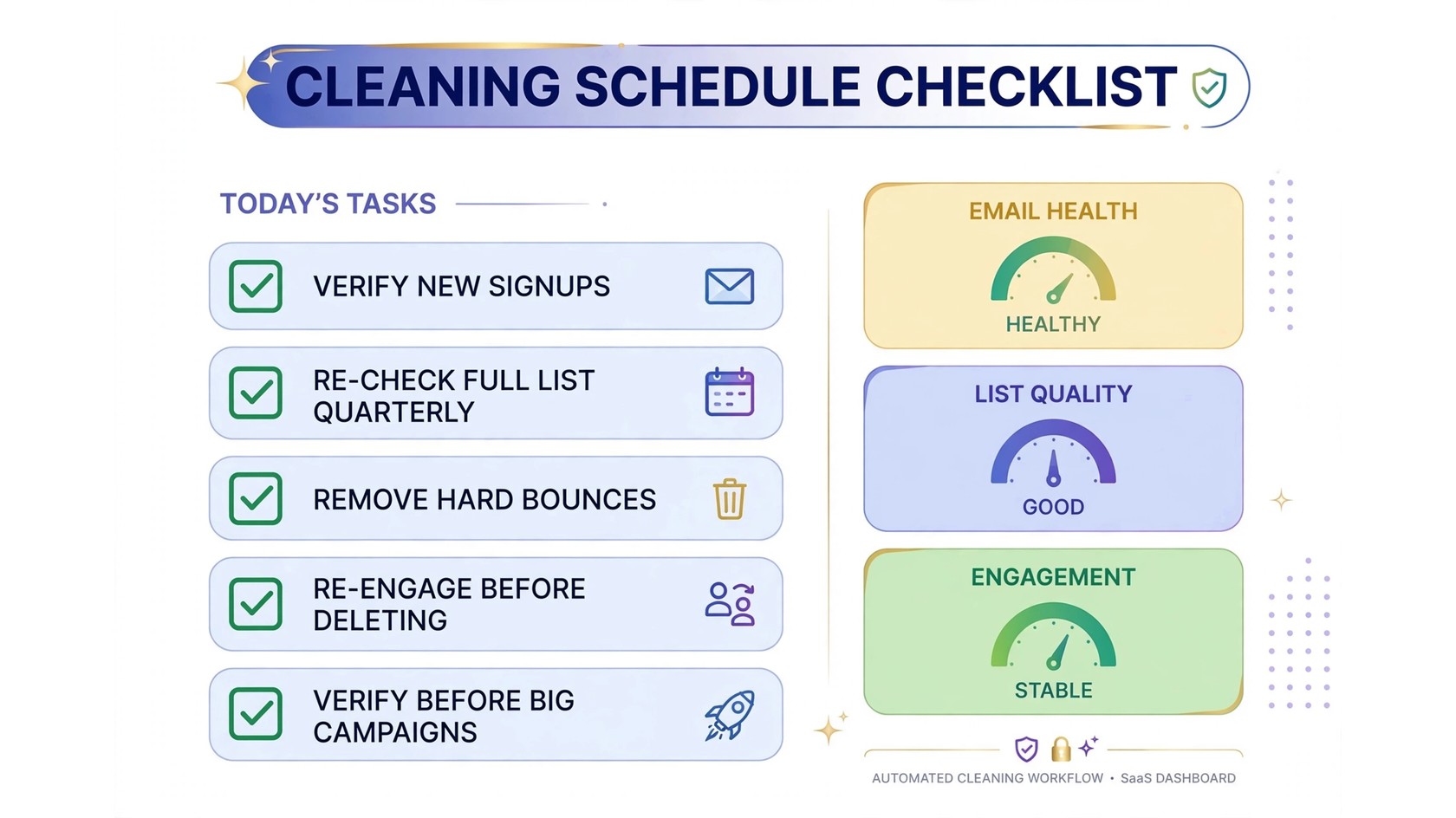
Whatever your category, two non-negotiables apply to everyone: verify new addresses in real time via an API at the point of capture, and re-verify the full list before any major campaign — product launches, holiday sales, or migration to a new email platform. A bulk email verification pass right before a high-stakes send is the cheapest insurance you can buy. If cost is a concern, our breakdown of the cheapest email verification tools shows how affordable per-thousand cleaning has become.
What “cleaning your email list” actually means
Cleaning isn’t just hitting delete on bounces. A proper list-cleaning pass has two distinct layers:
- Technical verification: identify hard bounces (invalid, non-existent addresses), syntax errors, dead domains, disposable emails, spam traps, and catch-alls. These are addresses that physically can’t engage — keeping them only hurts you.
- Engagement pruning: handle the valid-but-dead addresses — subscribers who haven’t opened or clicked in 6–12 months. These don’t bounce, but they drag down open rates and tell Gmail and Outlook your content is unwanted.
The first layer is what an email verification service handles — it sorts your list into valid, invalid, and risky so you can act on real data. The second layer needs re-engagement campaigns before deletion (more on that below). For the terminology, our post on email verification vs. email validation explains how the two checks differ and why you need both.
One hard rule: remove hard bounces immediately. A hard bounce means the address doesn’t exist — sending to it again gains you nothing and actively damages your reputation. Soft bounces (full inboxes, temporary server issues) deserve two or three retries before removal.
5 signs your list needs cleaning right now
Don’t wait for the calendar if these symptoms show up — any one of them means your list is already stale:
1. Your bounce rate is climbing
Mailbox providers start throttling senders when bounce rates cross roughly 2%. If your ESP dashboard shows bounces creeping upward campaign over campaign, invalid addresses are accumulating and you need a bulk verification pass immediately.
2. Open rates are dropping for no clear reason
A sudden or steady decline in opens often isn’t a content problem — it’s a list problem. If your open rate dropped suddenly, stale addresses are the first suspect: dead inboxes can’t open, and unengaged subscribers increasingly stop even trying.
3. Spam complaints are ticking up
Old, forgotten subscriptions are a prime source of “this is spam” clicks — the subscriber doesn’t remember you and reports the email. Complaints above 0.1% put your reputation in real danger. Pruning the unengaged is as much about complaints as bounces.
4. Gmail or Outlook is throttling your sends
Deferred deliveries, rate-limit messages, or bulk placement in promotions/spam are mailbox providers telling you your reputation has slipped. This is the late-stage symptom — clean the list first, then warm back up gradually.
5. Your list hasn’t been cleaned in 6+ months
The simplest trigger of all. If you can’t remember the last time you verified, you’re overdue. Six months of decay on a growing list is enough to swing deliverability noticeably, especially if you collect addresses from web forms.
Real-time API verification vs. periodic bulk cleaning
The smartest senders don’t choose between real-time and bulk cleaning — they run both, because they solve different problems:
- Real-time API verification checks each address the instant it’s entered — on signup forms, checkout pages, and lead magnets. It blocks typos, disposable emails, and fake addresses before they ever enter your database. This is prevention, and it’s the single highest-ROI hygiene investment because bad addresses never get in.
- Bulk cleaning re-checks your entire existing list on a schedule (quarterly or twice yearly). It catches the decay that real-time checks can’t: work addresses deactivated when someone changed jobs, domains that expired, and inboxes abandoned months after signup.
Think of it this way: the API keeps the front door locked, while bulk cleaning sweeps the rooms that were already occupied. Skip the API and you’re scrubbing preventable junk every quarter; skip bulk cleaning and you’re trusting addresses verified a year ago to still be alive today.
If you collect emails anywhere on your site, start with the API — PureListVerifier’s verification features cover both bulk lists and real-time checks, and you can see current rates on the pricing page.
Re-engage before you delete: the win-back step
Before removing unengaged-but-valid subscribers, give them one last chance — this is the win-back campaign. Send a short, honest re-engagement sequence (2–3 emails) to subscribers who haven’t opened in 6–9 months: acknowledge the silence, ask if they still want your emails, and make unsubscribing easy. You’ll be surprised how many respond or re-engage, and the ones who don’t were already dead weight.
Here’s the workflow that works:
- Segment the inactive. Pull everyone with no opens or clicks in the last 6–9 months into a separate segment.
- Send the win-back sequence. 2–3 emails spaced a few days apart — a “we miss you” note, a best-of-content roundup or offer, and a final “should we part ways?” email.
- Keep the responders, suppress the rest. Anyone who opens or clicks stays. Everyone else gets suppressed from regular sends — not necessarily deleted, just excluded from bulk campaigns.
Re-engagement protects you twice: it can recover subscribers you’d otherwise lose, and it stops unengaged addresses from dragging down metrics in the meantime. For campaign ideas, see our guide to winning back subscribers who stopped opening your emails.
How to clean your email list: a simple repeatable process
When cleaning day arrives, follow this sequence so nothing gets missed:
- Back up the list. Export a full copy before touching anything — you can always re-add addresses, but you can’t un-delete them.
- Run bulk verification. Upload the list and let the verifier classify every address as valid, invalid, or risky.
- Remove hard bounces and invalids. Delete non-existent addresses, dead domains, and spam traps immediately.
- Review the “risky” bucket. Catch-alls, disposable addresses, and role-based emails (info@, support@) deserve case-by-case judgment — keep or suppress based on your sending type.
- Run the win-back sequence on valid-but-unengaged subscribers before suppressing them.
- Log the results. Note how many addresses were removed and why — this becomes your baseline for the next cleaning cycle.
Independent comparisons like Sender.net’s 2026 email verification roundup can help you evaluate verification services on accuracy and price if you’re choosing a tool.
FAQs
How often should you clean your email list?
Most senders should clean their email list every 3–6 months: quarterly for newsletters and e-commerce, twice yearly for low-volume senders, and before every campaign for cold outreach. Combine scheduled bulk cleaning with real-time API verification on signup forms.
What happens if you never clean your email list?
Bounces accumulate, open rates fall, spam complaints rise, and mailbox providers throttle or filter your mail. Industry estimates suggest lists decay ~20%+ per year, so after a year of neglect a meaningful chunk of your list is dead weight actively harming deliverability.
Does cleaning your email list hurt your subscriber count?
The number shrinks, but the list gets healthier — which is what matters. Removing 10% dead addresses from a 50,000-contact list leaves 45,000 real subscribers, and your engagement rates and inbox placement typically improve immediately because the denominator is honest.
Should I clean my email list before a big campaign?
Yes — always. Verify the full list before product launches, holiday sales, or platform migrations. One bulk verification pass before a high-stakes send prevents a burst of bounces from tanking your reputation at the worst possible moment.
What’s the difference between list cleaning and list verification?
Verification is the technical check — it classifies addresses as valid, invalid, or risky. Cleaning is the broader process: verification plus removing bounces, pruning unengaged subscribers, and running win-back campaigns. Verification is one step inside cleaning.
Can I clean my email list manually?
Not realistically at scale. You can delete obvious typos and bounces by hand on tiny lists, but mailbox-level verification — catch-all detection, spam-trap flagging, disposable-email identification — requires a verification service. Manual checks also can’t reliably confirm an inbox exists without sending mail, which risks your reputation.
How often should you clean your email list if you use double opt-in?
Double opt-in slows the decay dramatically by blocking fake and mistyped addresses at signup — but it doesn’t stop job changes, abandoned inboxes, or engagement fade. Clean twice a year as a baseline even with double opt-in in place.
The bottom line
How often should you clean your email list? Every 3–6 months for most senders, before every campaign for cold outreach — and continuously at the point of capture with real-time verification. Lists decay relentlessly, and the cost of a stale list (bounces, spam complaints, throttled delivery) always exceeds the cost of cleaning it. Put the schedule on your calendar, automate what you can, and let the verification tools handle the rest. Ready to start? Check PureListVerifier’s pricing and run your first bulk verification today.